Data Visualization with Power BI Course
Do you struggle with making data understandable and impactful? Our course teaches you data visualization skills with hands-on experience building dashboards in Power BI.
- Duration
- 3 weeks (24 hours)
- Time per week
- 8 hours

Who this is for
This fits you if
- Anyone who wants to build dashboards and communicate data visually.
Another option may suit you better if
- Your organisation uses Tableau or Looker rather than Power BI. Discuss it with a study adviser first.
- Your challenge is the story rather than the tool. Take a look at Data Storytelling Course instead.
Not sure? Plan a free study advice call
Prerequisites
- No prior Power BI experience required.
- Basic Excel skills.
- Able to read tables and simple charts.
What you'll learn
- How to build your own Power BI dashboard from scratch.
- The most important tips and tricks for intuitive and effective data visualization.
- How to use SQL to extract and prepare data for reporting.
- How to leverage Azure to automatically feed data into your Power BI dashboard.
What you'll learn, module by module
-
1
Power BI: ETL
What Power BI is, loading and modelling data, and transforming data with Power Query — including an ETL assignment.
-
2
Power BI: Calculations
Calculating with DAX (incl. time intelligence), the most-used formulas, bookmarks, and publishing via Power BI Service.
-
3
SQL & Data Engineering
The full data spectrum and enterprise data architecture, with a step-by-step demo and assignments.
What a week looks like
The course runs for 3 weeks, and every week looks like this.
8 hours per week
5 hours
Self-study
Course material and exercises on our learning platform, whenever suits you.
1 hour
Live with your teacher
A fixed moment every week, online or at Science Park. Small group, so you get to participate.
2 hours
On your own work
Do the assignment on your own data and your own situation. No exercise files.
Teacher for this course

Ben Galili
Python, SQL, Power BI, AI Agents, Data Storytelling, Tableau, Excel, R
Ben has broad industry experience including eBay and Dell, and teaches across Python, SQL, Power BI, data storytelling, and AI agents in the Analytics and Data Engineering bootcamps.
First live sessions
These are the dates of each group's first live session with the teacher. You don't have to wait for them: as soon as you register, you get access to the learning materials and can start with the self-study.
-
Soonest
2027-01-07
-
2027-02-18
-
2027-03-18
-
2027-04-29
-
2027-06-10
-
2027-07-22
None of these dates work for you? Let us know and we'll think along with you.
Choose your format
The content, the teacher and the certificate are the same in all three formats. What differs is the focus and the planning, and that's reflected in the price.
With your team
A proposal made for your organisation, from four participants.
- From four participants
- Built around your own cases
- On location or remote
- Subsidy often possible
In a group
The usual way: you share the teacher with a few others and follow a fixed schedule.
- Fixed start date, fixed schedule
- Small group of fellow students
- Shared teacher
Individual
For anyone who prefers to work at their own pace.
- Start whenever you want
- Your own pace and planning
- Teacher just for you
- Personal guidance
Every course counts: your certificate states it is part of our programme at NLQF Level 6, comparable to bachelor level. What NLQF Level 6 means →
Flexible payment
Payment options
Through your employer, with a voucher or in instalments: there's usually a way that works. Not sure which fits you? We're happy to think it through with you, free and without obligation.
Option 1
Through your employer
We can invoice your employer directly, with 30 days to pay. If it helps, we'll give you a training plan to discuss internally.
Option 2
With a government contribution
A UWV training voucher or a municipal voucher can cover (part of) the cost. We're on the approved lists, CRKBO-registered, and glad to help with the application.
Training with colleagues? Your employer may be able to use the SLIM subsidy; we're happy to do the application together.
Option 3
Paying yourself
Pay the full amount at once, or spread it: 3 or 5 instalments at no extra cost, or an interest-free loan through TechMeUp. You choose when you register.
Part of these programmes
Want to go further? Take this course as one step in a complete bootcamp or diploma programme.
-
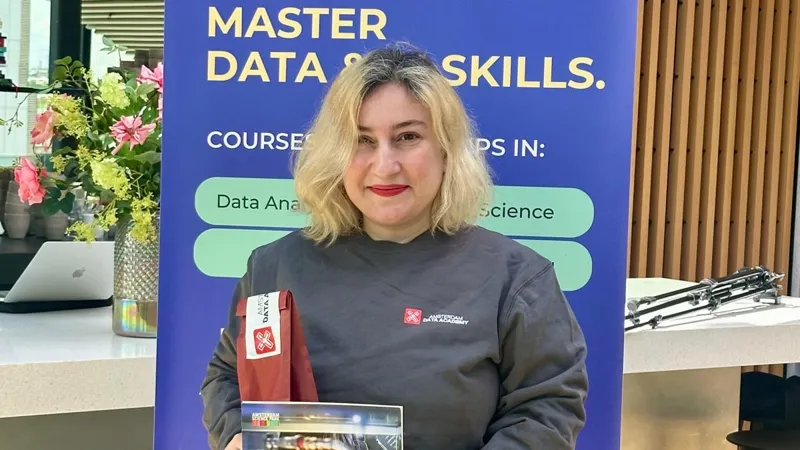
Bootcamp
Data & Analytics Bootcamp
Are you looking to become a data analytics expert? This bootcamp will train you to achieve expert-level skills in less than 3 months.
Course 4 of 5View bootcamp → -
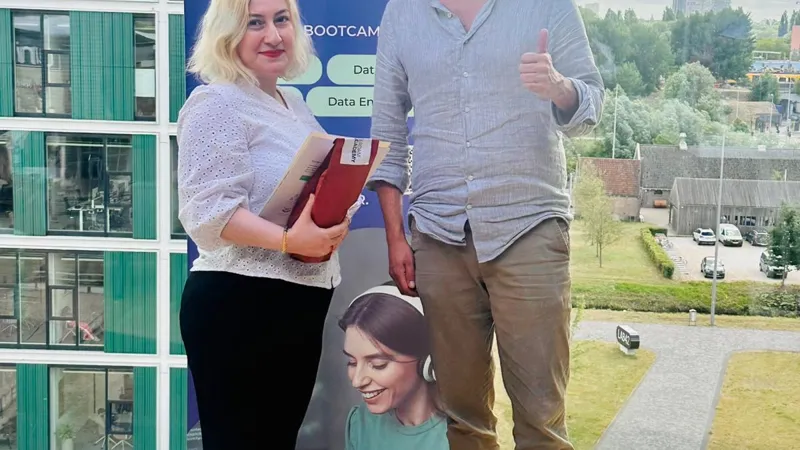
Bootcamp
Data Professional Bootcamp
Become a versatile data professional. This comprehensive bootcamp combines data science, analytics, and engineering skills in one program.
Course 4 of 8View bootcamp → -
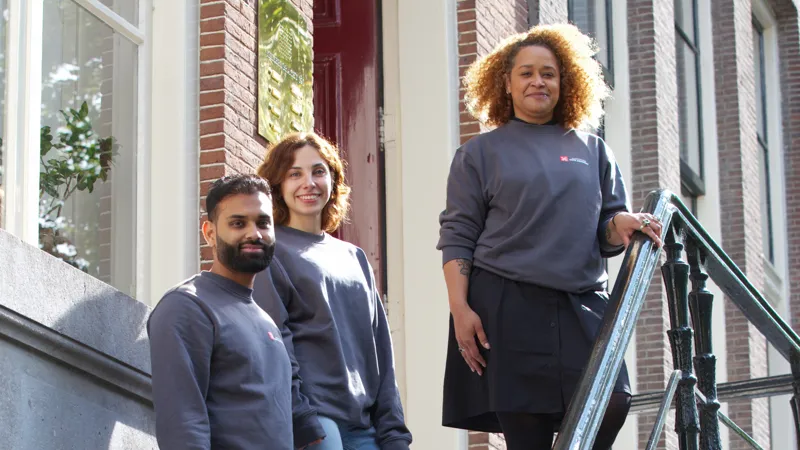
Diploma
Applied AI & Data Science Diploma
The Netherlands' first private AI and data science diploma programme at NLQF Level 6 — the most complete path to becoming a data analyst, data scientist, or AI developer.
Course 4 of 18View diploma →

Officially classified
NLQF Level 6, comparable to bachelor level
Every course and bootcamp is part of our Applied AI & Data Science programme, classified by NCP NLQF at NLQF Level 6, comparable to bachelor level. Your certificate states it, so employers know what your training is worth.
What NLQF Level 6 means →